How to Redeem Codes in South Hell Roblox
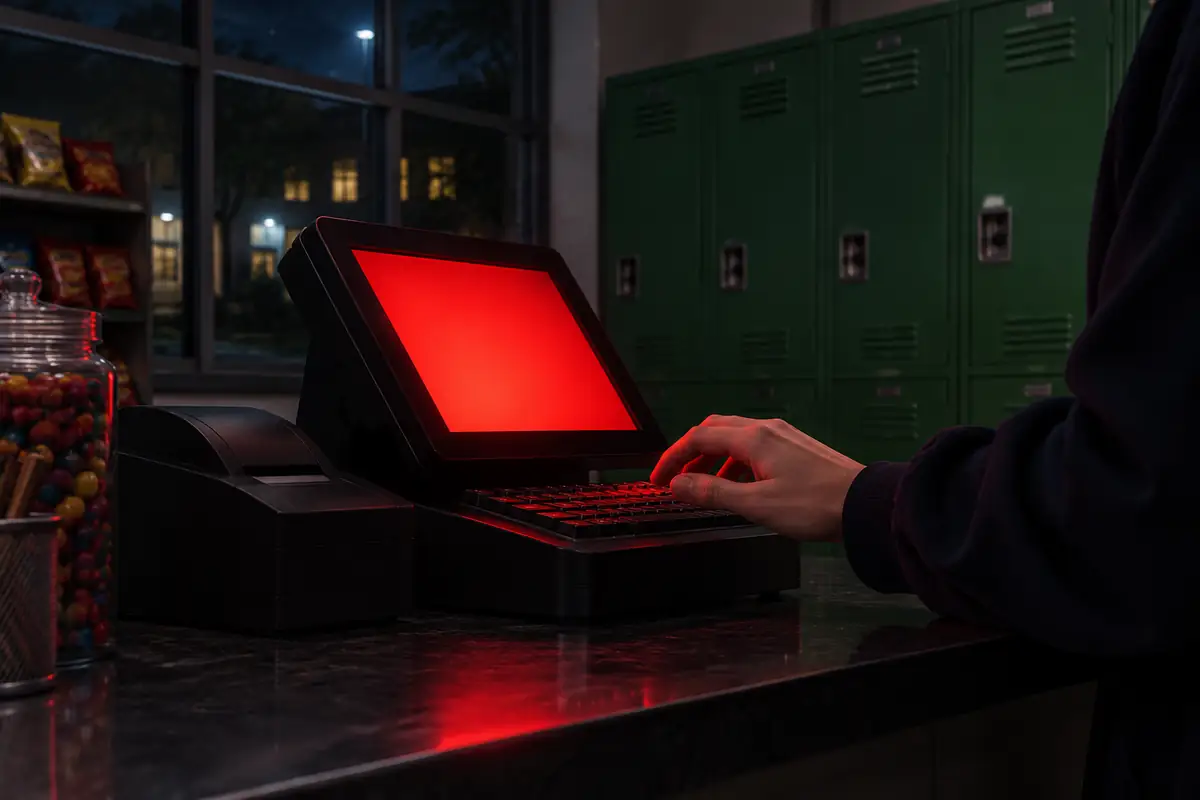
Walk to the SHOP area inside South Hell, press E, open CODES, type the code, and press Redeem. The left-side menu is the wrong shop.
Walk to the SHOP area inside South Hell, press E, open CODES, type the code, and press Redeem. The left-side menu is the wrong shop.
1. Enter the experience from the play page and get into a server. The shop is in the experience, not on this website.
2. Find the SHOP area in the world. GameRant is explicit that this is not the Shop button on the left of the screen. Stand at the area and press E.
3. Choose CODES. A text box opens. Type the code from the code table with the same capitals. SOUTHHELL is all capitals.
4. Press Redeem. Roblox Den says a successful redeem grants the reward printed next to that code. For SOUTHHELL that reward is 250 Cash.
| What you see | Check this first | Source |
|---|---|---|
| Rejected immediately | Capitals and spaces. Roblox Den says the code is case sensitive. | Roblox Den |
| Already claimed | That account already redeemed this code. | Roblox Den |
| Expired or invalid | Compare the word with the live table. HALLOWEEN is disputed. | Roblox Den, Clashiverse |
| A guide mentions gems or Avatar | That path is for other games. South Hell uses SHOP then CODES. | Clashiverse vs Roblox Den and GameRant |
I will not quote an in-game error string, because no source printed the exact popup text. If the code still fails, the code table shows which site reported it and when. The expired archive explains why HALLOWEEN is not filed as dead yet.
No. This page only describes the in-experience path. The copy buttons on the code table put the text on your clipboard.
Clashiverse wrote that path and mentioned gems. Roblox Den and GameRant both describe SHOP, E, CODES, Redeem. I follow the two that match each other.
Sponsored